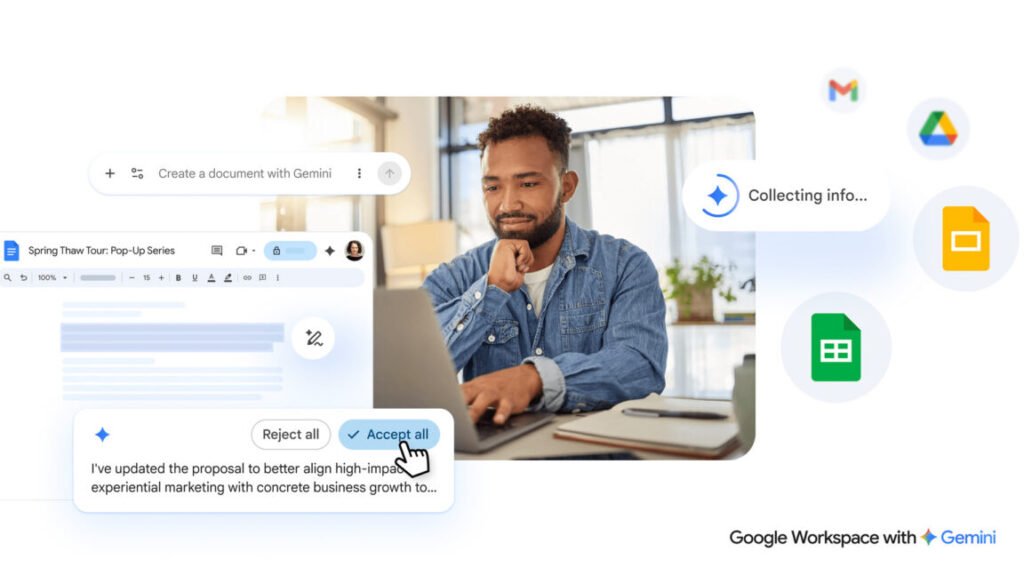

Google didn’t waste time shoving Gemini into Workspace, but the first pass felt like a half-baked experiment. The new overhaul changes that.
If you open a fresh Google Doc today, you’ll see AI tools sitting at the top of the page. Google is now expanding and refining those options. Instead of a toolbar cluttered with buttons, you get a chatbot-style text box at the bottom of a new document. Type what you need, and Gemini spits out a first draft. It can pull context from Gmail, other Docs, Google Chat, and the web. That cross-account awareness is the real upgrade here — it makes the AI feel less like a standalone toy and more like an assistant that actually knows what you’re working on.
The editing capabilities are also getting smarter. You can highlight sections and ask for changes, or use follow-up prompts to reformat the whole thing. There’s also AI-assisted style matching, which sounds boring until you’ve had to wrangle a document edited by four people with four different voices. Gemini can smooth that out without turning everything into corporate sludge.
Google is careful to note that all suggestions stay private until you approve them. That’s the right move, but it also highlights the tension: the AI needs access to your stuff to be useful, and you have to trust Google not to misuse that access.
Sheets and Slides get similar treatment. Gemini can generate slide decks from prompts, pull data from your Drive, and apply consistent styling across presentations. For Sheets, it can help with formulas, data cleaning, and generating charts. Nothing revolutionary on its own, but the integration means you don’t have to jump between tabs or copy-paste context manually.
Is this the death of original thought? The Ars Technica article jokes about never having to use your squishy human brain again. I get the concern, but I think it’s overblown. The blank page problem is real — most people spend more time staring at a cursor than actually writing. Having a draft to react to, even a mediocre one, often gets the gears turning. The danger is when people stop editing and just accept whatever the AI vomits up. That’s a discipline problem, not a tool problem.
What I find more interesting is how this changes collaboration. If everyone in a team uses the same AI to write the same document from the same context, you might end up with something that reads like it was written by committee — because it was, just an AI committee. The style matching feature helps, but it can’t fix fundamentally lazy thinking.
Still, this is the most coherent AI integration Google has shipped in Workspace yet. It’s not trying to replace you; it’s trying to get you past the staring-at-a-blank-page phase faster. Whether that’s a good thing depends on what you do once you have that draft.
Comments (0)
Login Log in to comment.
Be the first to comment!