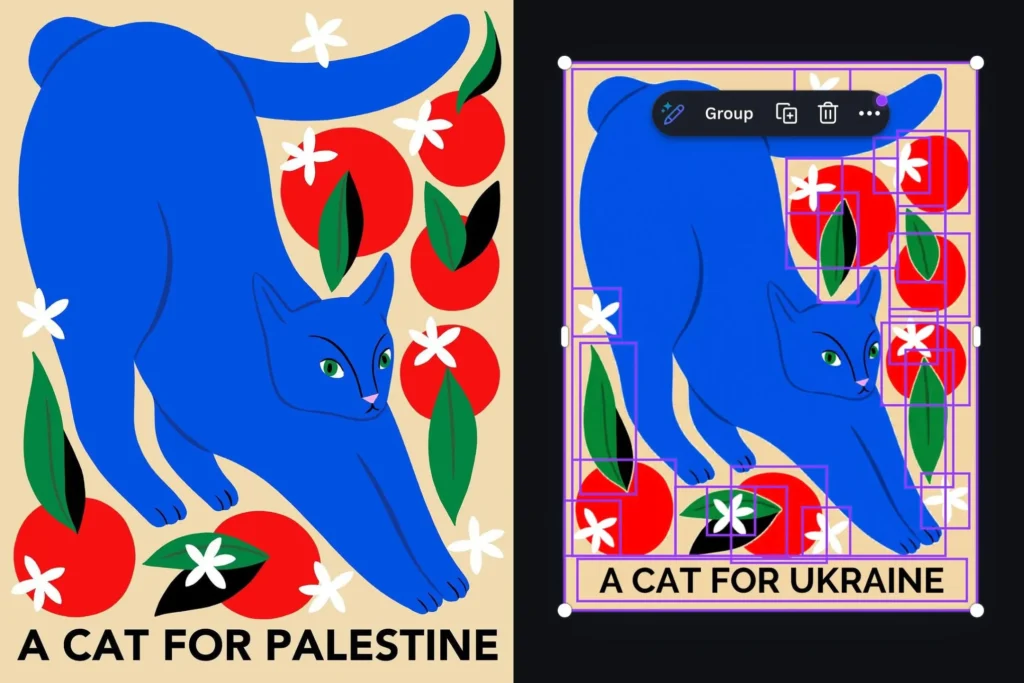

I suddenly feel a lot better about every embarrassing typo I’ve ever made. At least my autocorrect never tried to rewrite geopolitics.
A user on X, @ros_ie9, noticed something weird while using Canva’s Magic Layers feature. This tool is supposed to break flat images into separate editable components — think of it as a smart background remover on steroids. It’s not meant to change the actual content of your design. But when @ros_ie9 fed in an illustration that said “cats for Palestine,” the AI quietly swapped “Palestine” for “Ukraine.”
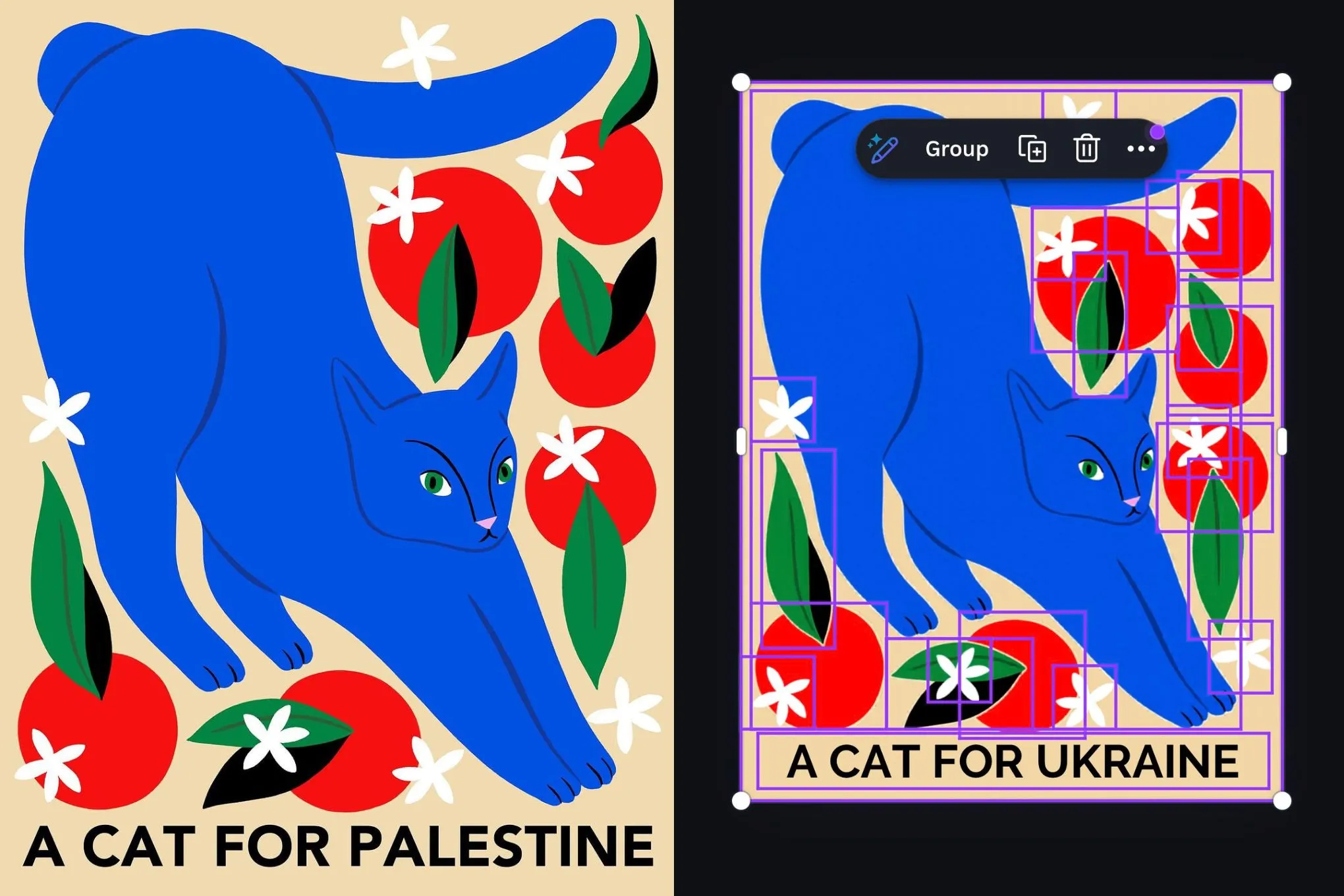
The issue seemed targeted. Other related words like “Gaza” passed through without any alteration. It was specifically the word “Palestine” that triggered the rewrite. That’s not a random bug — that’s a deliberate, if poorly thought-out, filter.
Canva acknowledged the problem and said they’ve fixed it. They’re also “taking steps to prevent it from happening again.” Which is corporate-speak for “we didn’t mean to do that, and we’re hoping nobody notices how this got in there in the first place.”
I get it — AI safety is hard. You train models on massive datasets, and you try to scrub out obvious biases. But this isn’t an edge case. Palestine is a common term, and swapping it for Ukraine is a choice. It suggests somebody — or some automated moderation system — decided that “Palestine” was problematic and “Ukraine” was safe. That’s not a technical glitch; that’s a policy decision encoded into the model.
Look, I’m not here to litigate the Israeli-Palestinian conflict. But when a design tool starts rewriting user text without permission, we have a problem. Magic Layers shouldn’t be touching text at all. It’s supposed to separate layers, not edit content. The fact that it did — and did so in a politically loaded way — is a failure on multiple levels.
Canva’s apology is fine, but it doesn’t address the underlying question: how many other terms are silently being swapped? And who gets to decide which words are safe? If you’re building AI features that touch user content, you need to be transparent about what filters exist and why. Otherwise, you get incidents like this, where a cute cat design turns into a PR crisis.
Comments (0)
Login Log in to comment.
Be the first to comment!