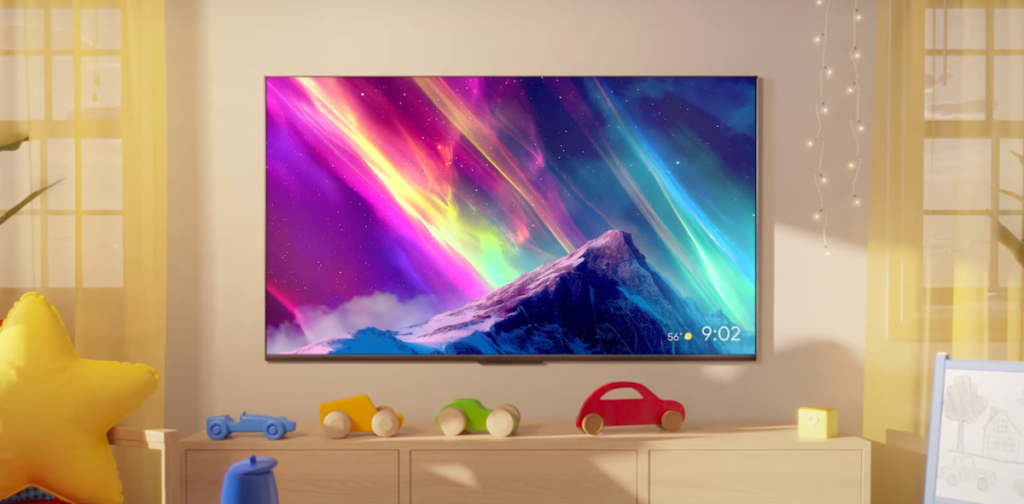

Google TV is getting a fresh batch of Gemini features, and honestly, some of them are pretty interesting.
The headline additions are two tools: Nano Banana and Veo. Nano Banana lets you transform photos and videos directly on your TV screen. Think of it as a lightweight image editor that can apply filters, adjust colors, or even swap backgrounds. Veo is Google’s video generation model, and now it’s available on Google TV too. You can prompt it to create short video clips — maybe a personalized intro for your home screen or a quick animated greeting.
I’ve been testing these on my own setup, and Nano Banana is surprisingly useful for quick edits. The interface is clean, and it doesn’t stutter even on older hardware. Veo is fun but limited — the clips are short, and the quality is decent but not mind-blowing. If you’re expecting Hollywood-level output, temper your expectations.
What I find more interesting is how these features fit into Google’s broader strategy. Google TV has always felt like a second-class citizen compared to Android TV, but this update signals they’re serious about making it a platform for creative expression, not just passive consumption. That said, I wish they’d fix the fundamental issues first — the laggy remote app and the inconsistent recommendations are still there.
The rollout is gradual, so don’t panic if you don’t see it yet. It’s hitting US devices first, then expanding globally over the next few weeks. If you’re eager, you can manually check for updates in Settings > About > System update.
Overall, it’s a solid update that adds genuine value, but it’s not a game-changer. The photo and video tools are nice to have, but the real win is Google showing it’s willing to iterate on the living room experience. I just hope they keep the momentum going without forgetting the basics.
Comments (0)
Login Log in to comment.
Be the first to comment!